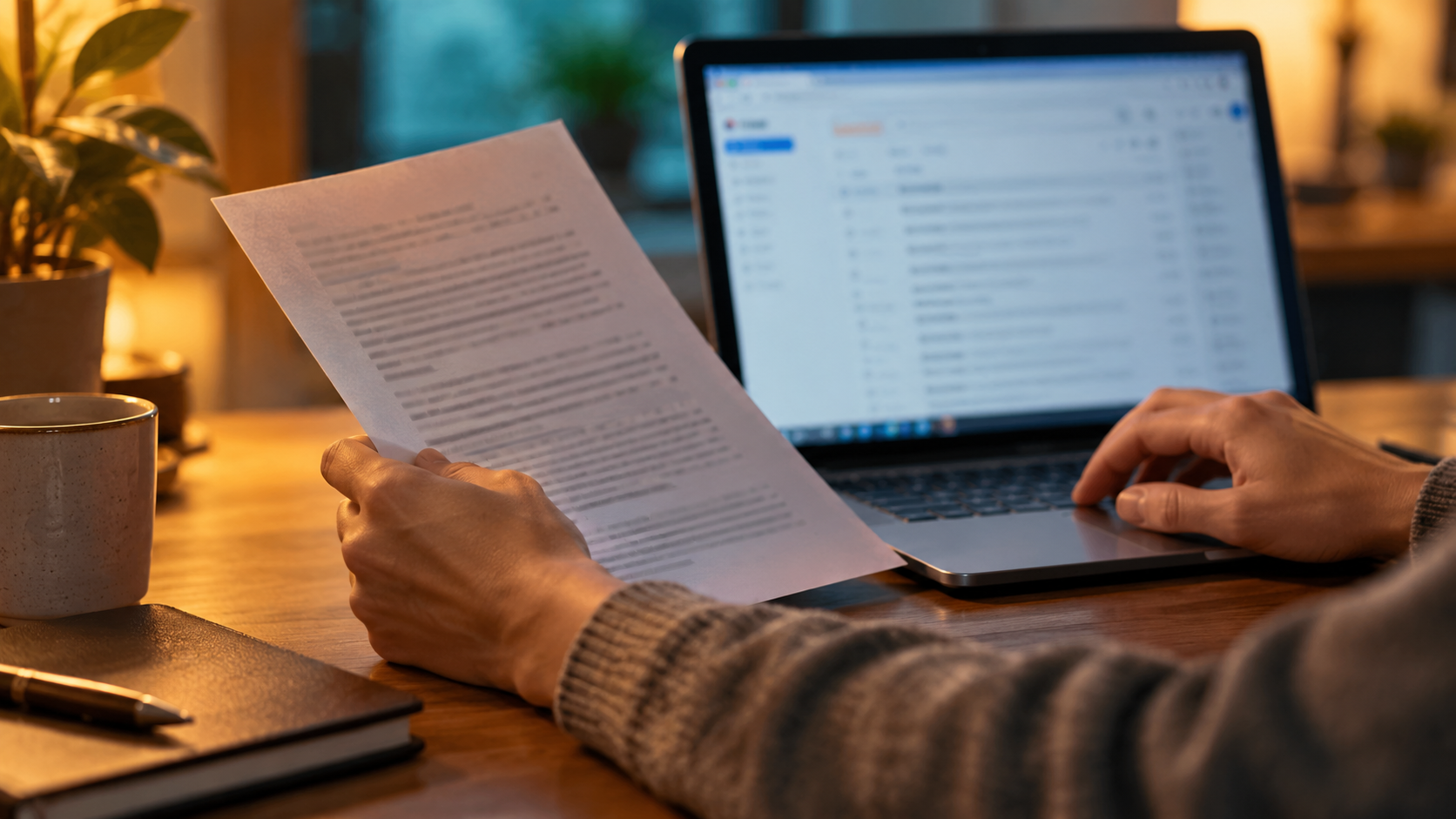
Treat the email, protected file, access secret and every local copy as separate control surfaces. A successful handoff proves recipient access without claiming that the email provider, protection tool or deletion action controls the others.
01 / DECISIONProtect the attachment without hiding ownership
Gmail does not turn a locally protected file into provider-native end-to-end encrypted mail. Prepare and verify the package before composing, minimize the message body, confirm the account and recipient, and understand what Gmail Confidential Mode does and does not control. Define where plaintext working copies exist, how a release is exported, when it enters the encrypted archive and how temporary files are removed after verification.
A sender freezes a confidential package for recipient review. The team first proves the workflow with fictional document files, documents each authorized role and preserves the working source separately.
Run the control sequence
- 01
Keep the authoritative source outside the draft and stage one approved sending copy.
- 02
Inspect the file name, metadata, format and recipient need in a controlled staging folder.
- 03
Apply and test the chosen local protection before attaching the file.
- 04
Attach only the verified copy, confirm the recipient and review the message body.
- 05
After confirmed receipt, retain or remove the staged copy under the recorded policy.
Preserve decision evidence
Record package, source system, export time, staging path, archive ID, import result, reopen test, manifest comparison, plaintext disposition and operator.
Stop when
- The protected package is mistaken for email-provider encryption.
- An import is assumed successful without reopening it.
- Untracked plaintext exports remain on local or synced storage.
The record should show the approved package, tested environment, responsible people and known limitations without storing passwords or unnecessary attachment content.
Separate the surrounding controls
Folder Lock secures files before/after transfer; it does not enable Gmail/Outlook native end-to-end encryption. Encryption does not assign provider permissions, verify a recipient, preserve every backup or remove plaintext working copies automatically.
Attachment handoff questions
Should the encrypted archive become the live attachment?
No. Keep the authoritative source in its approved workspace and create one named, verified handoff copy deliberately.
Does resetting a password recover an existing archive?
Do not assume recovery. Record the tool and version, then test a separate recovery copy with fictional files.
Primary references
References support specific boundaries and do not imply endorsement.