Treat the email, protected file, access secret and every local copy as separate control surfaces. A successful handoff proves recipient access without claiming that the email provider, protection tool or deletion action controls the others.
01 / DECISIONProtect the attachment without hiding ownership
Folder Lock may fit selected Windows-based encrypted attachment handoff workflows after current-version testing. It is not a replacement for Gmail or Outlook native end-to-end encryption, provider permissions, guaranteed backup or guaranteed password recovery. Cloud-related features and compatibility must be verified against the current release and actual environment.
A sender freezes a confidential package for recipient review. The team first proves the workflow with fictional document files, documents each authorized role and preserves the working source separately.
Run the control sequence
- 01
Verify official source, current release, license and supported Windows environment.
- 02
Pilot a fictional attachment set before importing confidential document.
- 03
Test locker creation, lock/unlock, reopen and plaintext residue.
- 04
Test separately stored backup, restore and lost-password consequences.
- 05
Approve only the verified use; document exclusions and review date.
Preserve decision evidence
Record version, installer source, license, Windows environment, archive/locker settings, test manifest, lock/unlock result, residue, backup, recovery result, exclusions and owner.
Stop when
- Legacy screenshots are treated as proof of the current release.
- The product is used as a collaboration permission system.
- No independent recovery copy or restore test exists.
The record should show the approved package, tested environment, responsible people and known limitations without storing passwords or unnecessary attachment content.
Separate the surrounding controls
Does not replace provider permissions, guaranteed backup, password recovery or enterprise identity management. Encryption does not assign provider permissions, verify a recipient, preserve every backup or remove plaintext working copies automatically.
Inspect the workflow, not the artwork
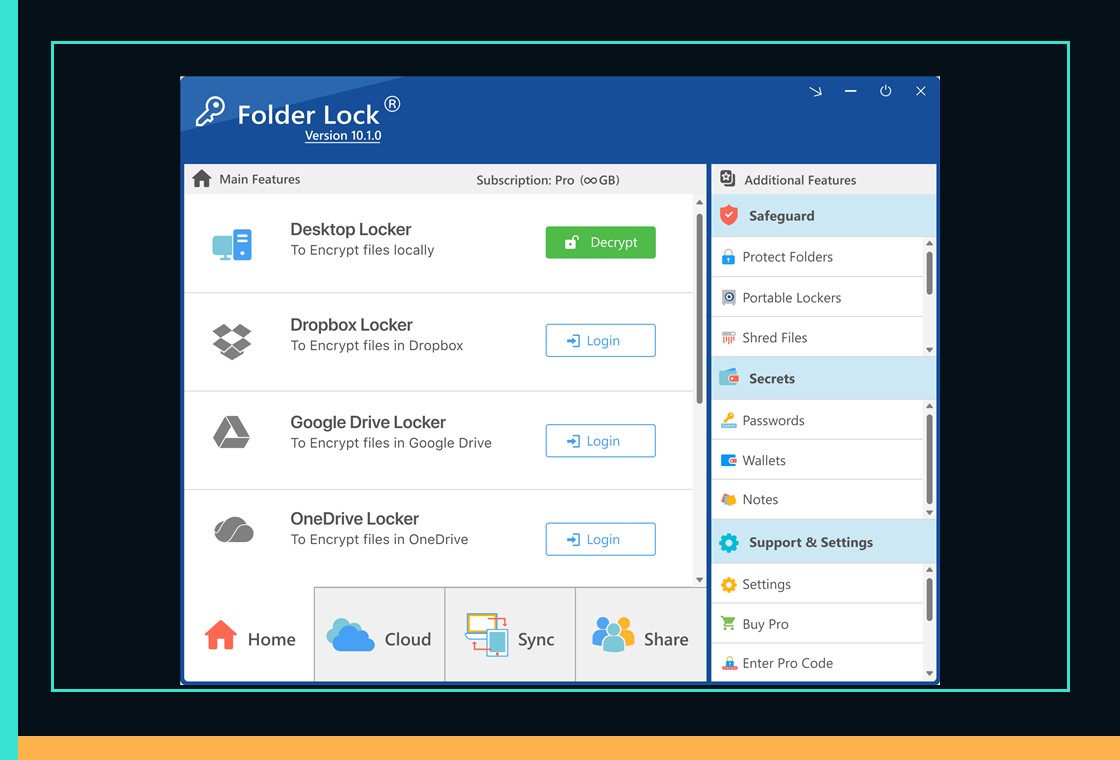
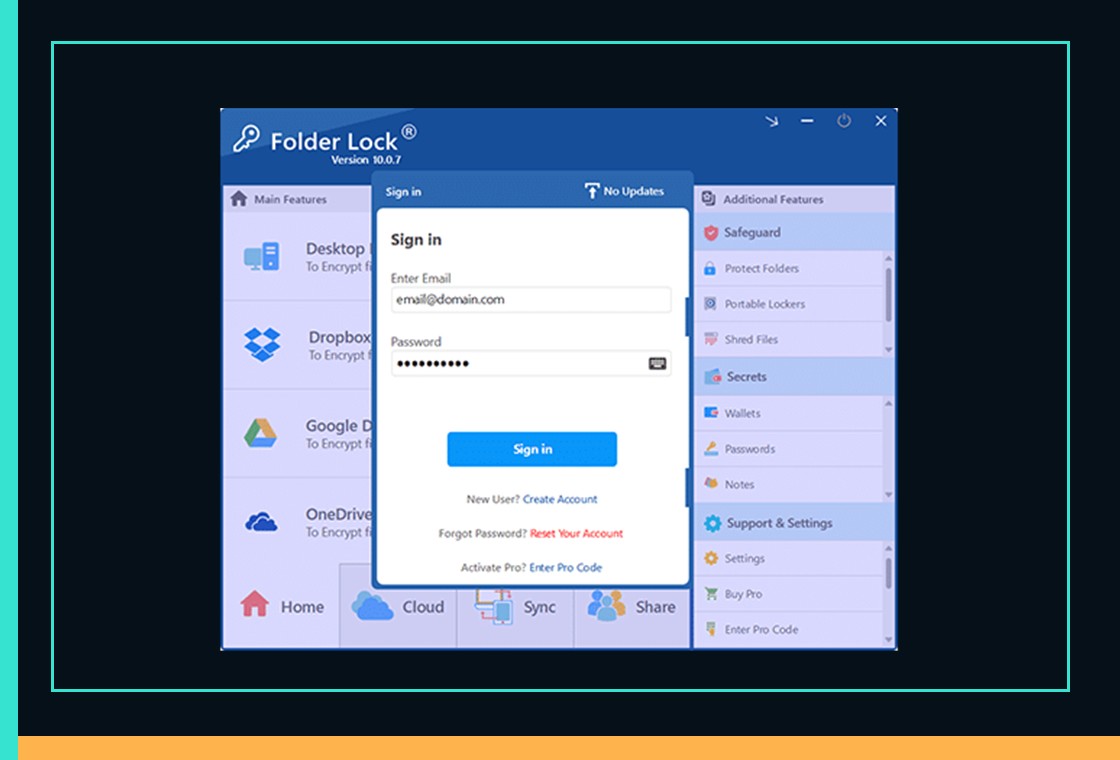
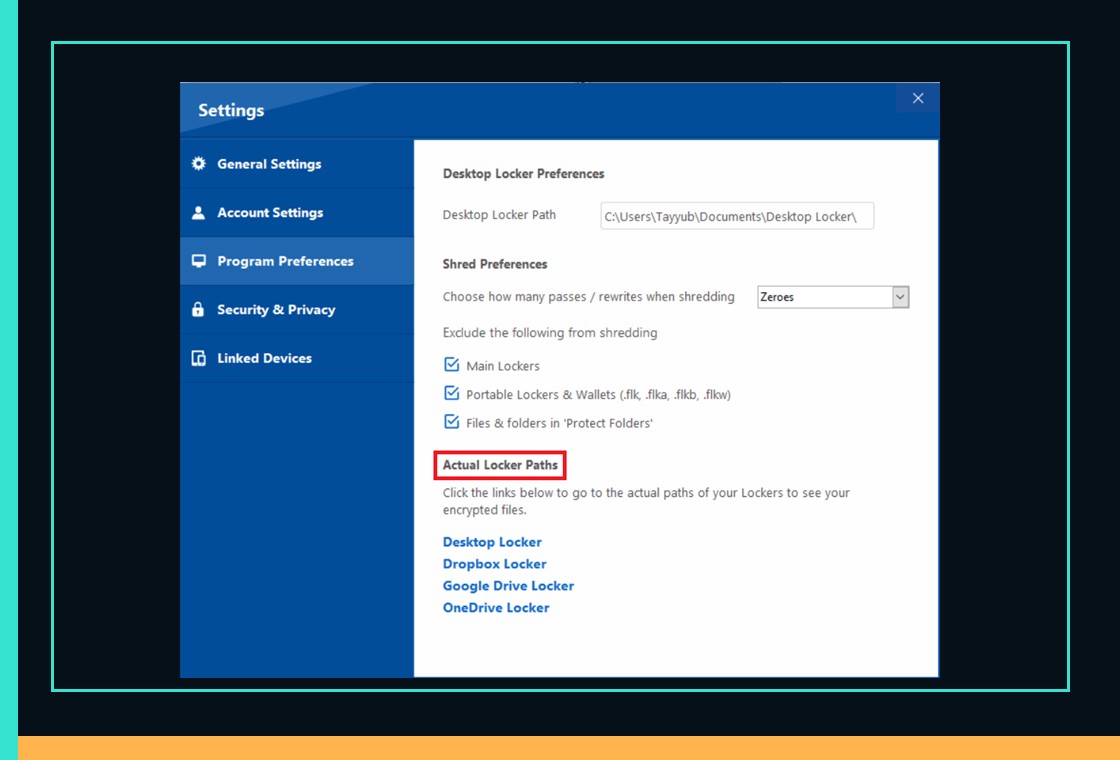
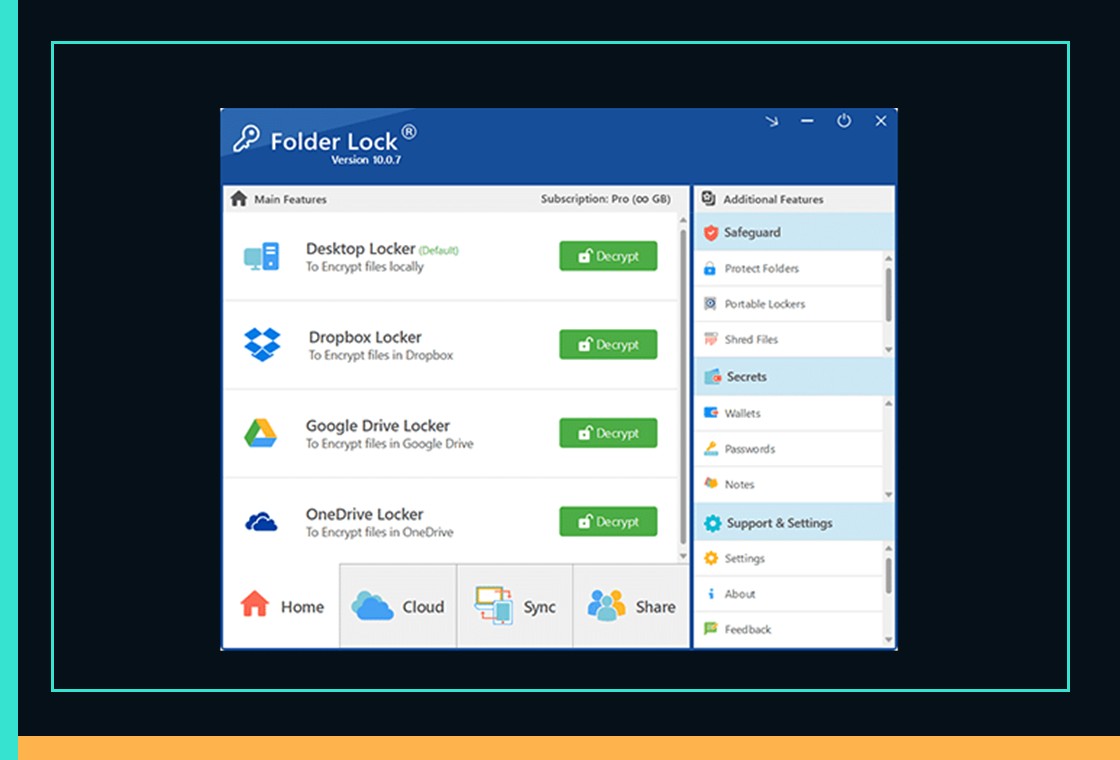
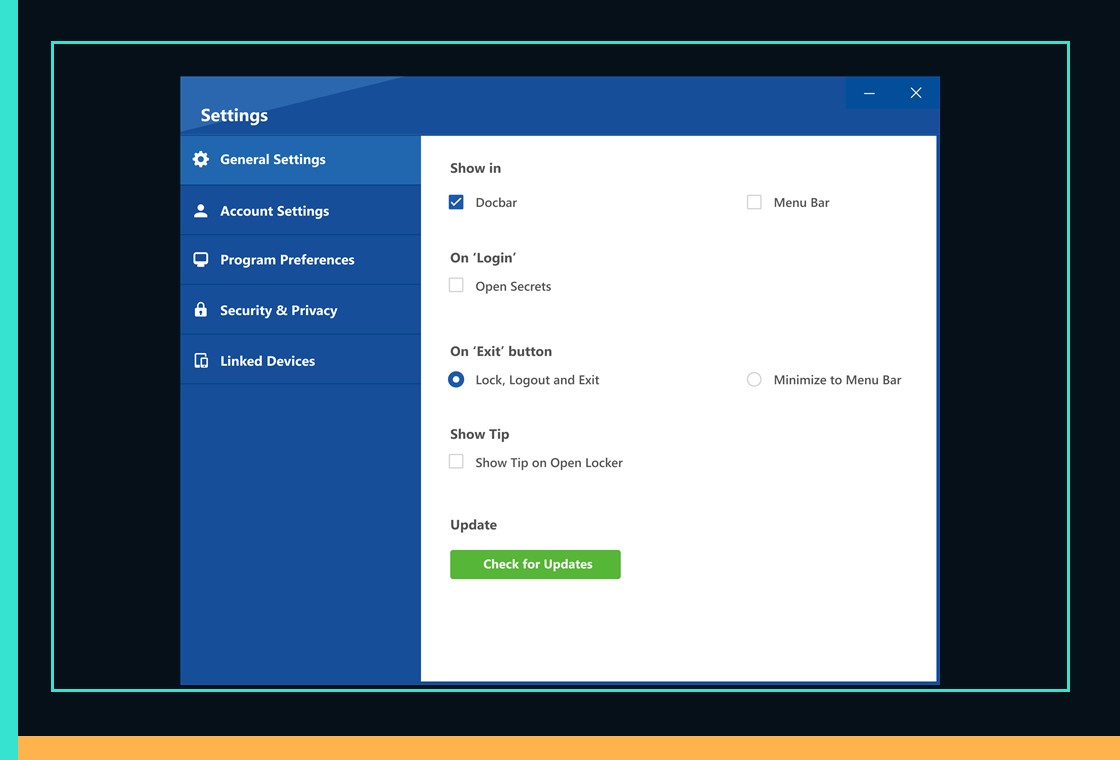
Folder Lock does not replace provider permissions, guaranteed backup, password recovery or enterprise identity management.
Attachment handoff questions
Should the encrypted archive become the live attachment?
No. Keep the authoritative source in its approved workspace and create one named, verified handoff copy deliberately.
Does resetting a password recover an existing archive?
Do not assume recovery. Record the tool and version, then test a separate recovery copy with fictional files.
Primary references
References support specific boundaries and do not imply endorsement.