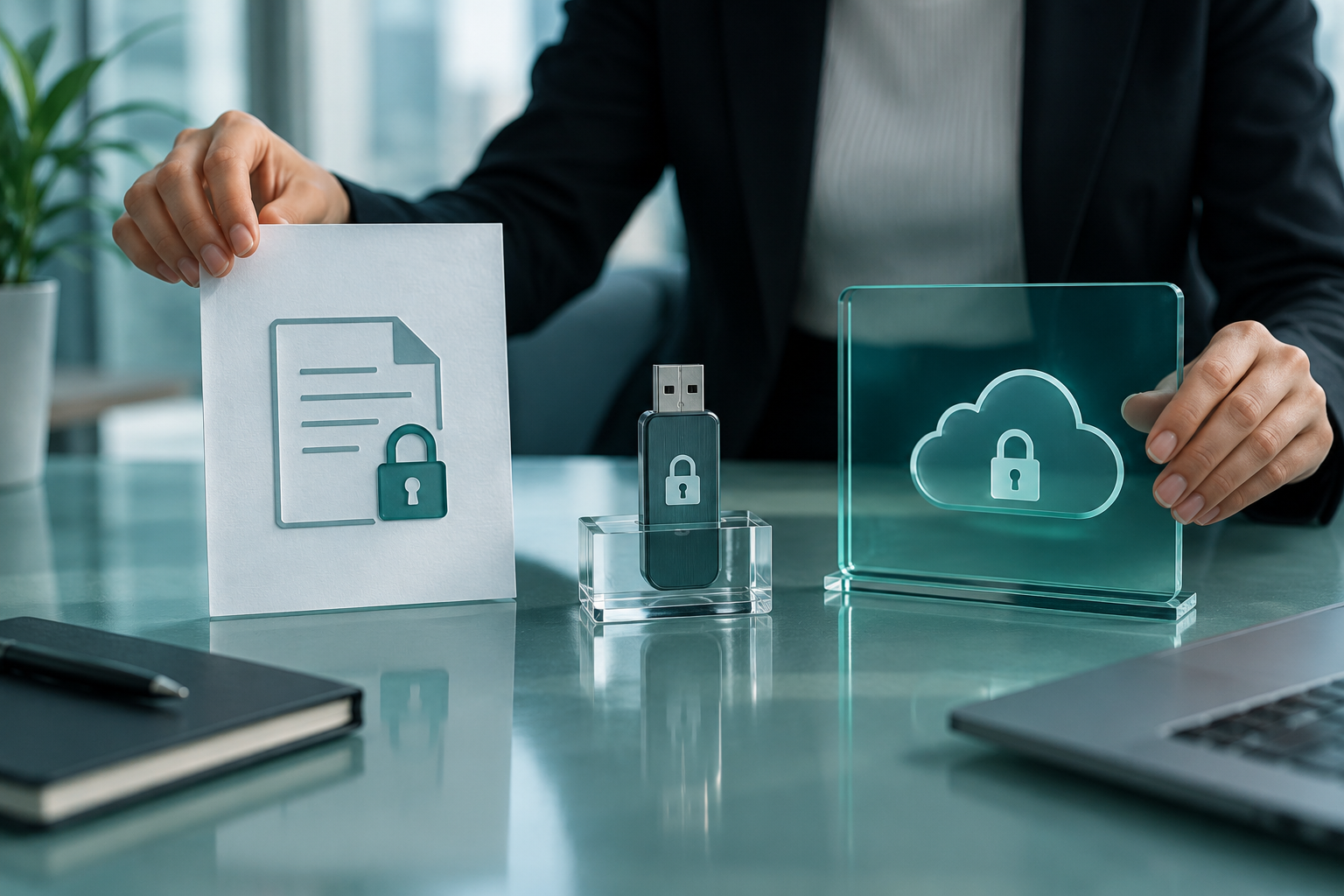
Treat the email, protected file, access secret and every local copy as separate control surfaces. A successful handoff proves recipient access without claiming that the email provider, protection tool or deletion action controls the others.
01 / DECISIONProtect the attachment without hiding ownership
Choose the format from the recipient’s task and environment. A protected PDF can constrain document opening; an encrypted container can carry several files but requires compatible software; a secure portal can manage identity and access but leaves control with its provider. None is automatically best.
A sender freezes a confidential package for recipient review. The team first proves the workflow with fictional document files, documents each authorized role and preserves the working source separately.
Run the control sequence
- 01
List the file types, recipient devices, offline need and revocation requirement.
- 02
Compare protected PDF, encrypted container and secure portal controls.
- 03
Test each viable option with fictional files on the recipient environment.
- 04
Record what remains downloadable, revocable, recoverable and auditable.
- 05
Choose the least complex option that satisfies the approved classification.
Preserve decision evidence
Record classification, option compared, supported devices, identity control, offline behavior, revocation limit, recovery owner, fictional-file result, recipient confirmation and decision.
Stop when
- The recipient cannot install or use the required reader.
- Revocation is promised for a copy that can remain offline.
- The option was selected without a recipient-side test.
The record should show the approved package, tested environment, responsible people and known limitations without storing passwords or unnecessary attachment content.
Separate the surrounding controls
Folder Lock secures files before/after transfer; it does not enable Gmail/Outlook native end-to-end encryption. Encryption does not assign provider permissions, verify a recipient, preserve every backup or remove plaintext working copies automatically.
Attachment handoff questions
Should the encrypted archive become the live attachment?
No. Keep the authoritative source in its approved workspace and create one named, verified handoff copy deliberately.
Does resetting a password recover an existing archive?
Do not assume recovery. Record the tool and version, then test a separate recovery copy with fictional files.
Primary references
References support specific boundaries and do not imply endorsement.